
Less wiring. Same watchful eye.
Wireless CCTV camera installation in Hyderabad
Cameras with little or no drilling — installed where the signal can actually carry the video. We test Wi-Fi and power at each spot first, and tell you plainly where a wired camera would do better.
- Signal checked first
- Battery & solar options
- App viewing
- Rented-home friendly
- Quick response
- Expert guidance
- No obligation

Get your free wireless CCTV assessment
Tell us about your requirement and our team will get in touch.
7+ yrs
In business
5,750+
Installations
4.9/5
Google rating
2019
Serving since
Complete wireless CCTV solutions
More than a plug-in camera
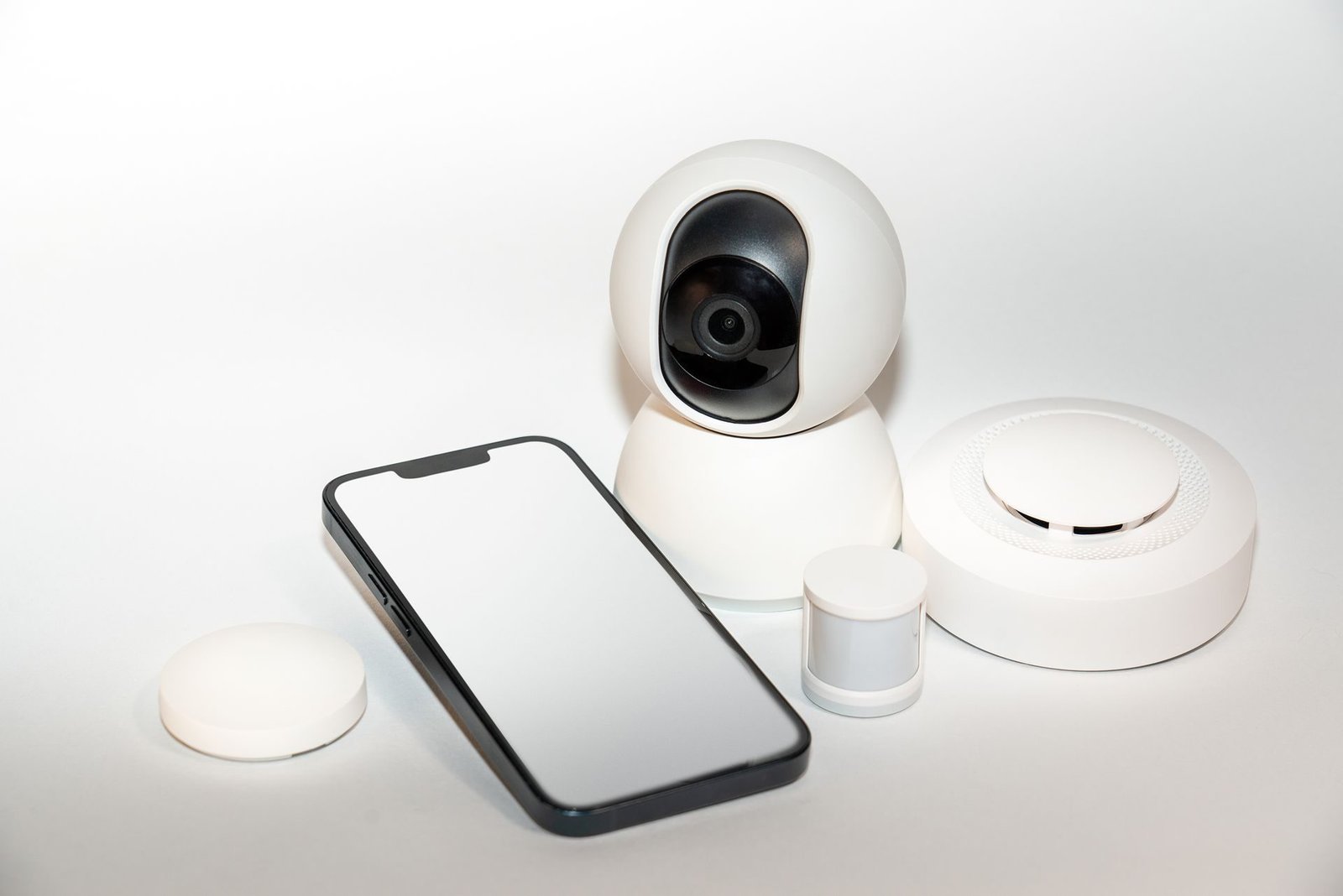
A wireless camera sends its video over Wi-Fi, or over a mobile SIM, instead of a cable back to a recorder. That saves drilling, chasing walls and running conduit.
It suits rented flats, finished interiors, small shops and outbuildings where a cable run would be long or unsightly.
- Signal survey
- Positioning
- Battery and solar setup
- Recording setup
- App and sharing
- Auto-reconnect test
The wireless cameras we install
Wi-Fi indoor cameras
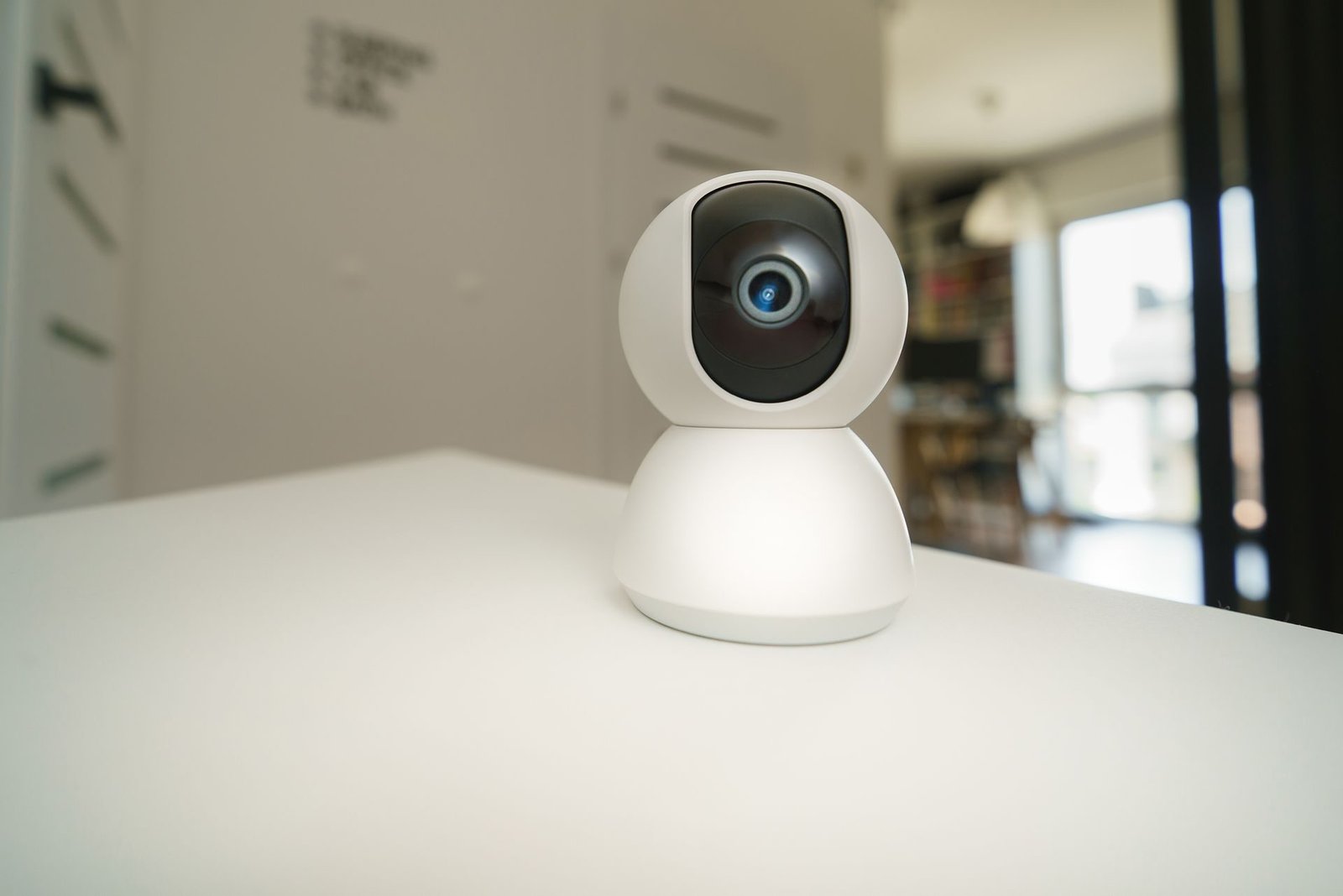
Compact cameras on a shelf or wall, often with two-way audio and pan-tilt.
Wi-Fi outdoor cameras
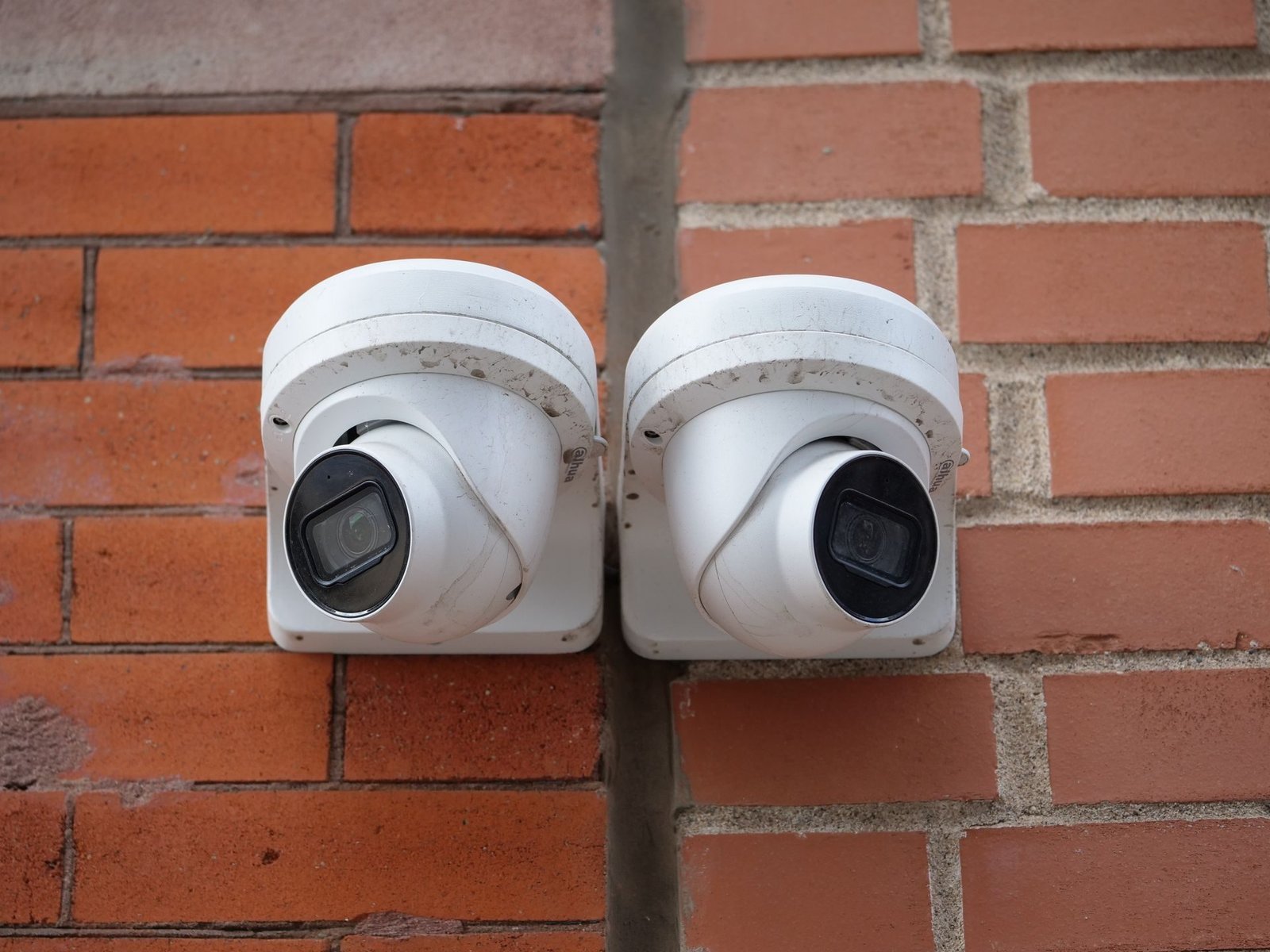
Weatherproof housings with night vision, powered from a nearby socket.
Battery cameras
No power cable at all; they wake on motion to save charge.
Solar cameras
A solar panel keeps the battery topped up, usually paired with 4G.
4G / SIM cameras
Video over a mobile data SIM where there is no broadband.
Cloud recording
Footage stored off-site, so it survives if a camera is stolen. Usually a subscription.
SD-card recording
Footage saved on a card inside the camera, with no recorder or subscription.
Ideal for different properties
Solutions tailored for every kind of site.






Five steps to working wireless cameras
A simple and transparent process from start to finish.
- 01 Tell us the spots The rooms, gates or areas you want to see, and whether the property is rented.
- 02 Signal and power check We visit and measure signal and check power at every spot.
- 03 Recommendation and quote Wireless where it will work, wired where it will not, in a written quote.
- 04 Installation Cameras mounted, access points added if needed, recording set up.
- 05 App and handover App on your phone, reconnection tested, and a walk-through of playback.
Why choose Dotin?
Wireless where it works, and only there
- Signal measured, not assumed Every spot is checked on the free site assessment before we recommend a camera.
- Straight advice on limits Where a wired camera would be more dependable, we say so in the quote.
- Wired and wireless from one team We install both, so a mixed system is planned as one.
- Subscriptions explained up front Cloud costs and the SD-card alternative laid out before you choose.
- Local support App, reconnection and camera issues handled by the same team in Toli Chowki.
Simple to live with
Wireless camera brands we work with
We suggest the model that suits your signal, power and storage needs.

What we check first
Four checks before we recommend wireless
Signal check
We measure Wi-Fi or mobile signal at each planned spot, not just near the router.
Power
We confirm there is a socket within reach, or plan battery or solar where there is not.
Storage
SD card, a small recorder or cloud — chosen for how long you need to keep footage.
App
The viewing app installed on your phone and shared with family or staff as you choose.
Wired or wireless?
Which is right for each spot
Many homes end up with a mix. This is how we decide per camera.
A rented flat where you cannot drill much
Wi-Fi indoor cameras
Plug in near a socket, with no cable back to a recorder.
A gate or parking area far from the router
Wired, or Wi-Fi with an access point
Distance and walls weaken Wi-Fi; an access point or cable keeps the video steady.
A spot with no power point
Battery or solar camera
Runs on its own power; best where it records on motion rather than all day.
A site with no broadband
4G / SIM camera
Sends video over a mobile network, subject to coverage at that spot.
Eight or more cameras around a building
Wired HD or IP system
Many cameras streaming over Wi-Fi strain the router; cable is more dependable.
Round-the-clock recording that must not drop
Wired system
Cable is not affected by interference, neighbours' networks or router restarts.
Not sure which your site needs?
We look at the site and recommend — the assessment is free.
Wireless suitability check
Will wireless work at your property?
Five quick answers tell us whether wireless is likely to suit you before we visit.
Often paired with wireless CCTV
Related services


Local service
Wireless CCTV installation across Hyderabad
We check signal and install wireless cameras across Hyderabad and Secunderabad, from our office in Toli Chowki.
Shop No 15, 2nd Floor, Mawin Arcade, 7 Tombs Rd, Beside Al Saba Hotel, Toli Chowki, Hyderabad
Frequently asked questions
Wireless CCTV, answered
Are wireless CCTV cameras reliable?
They are reliable when the signal at each camera is strong and steady. A weak signal shows up as lag, dropped recordings or a camera going offline, which is why we measure it at every planned spot before recommending wireless.
Do wireless cameras still need a power point?
Most do — "wireless" usually means the video travels without cable, not the power. Battery and solar models are the exception, and batteries need recharging or replacing from time to time.
Do wireless cameras work without internet?
Most can keep recording to an SD card or a local recorder when the internet is down. You need internet to watch remotely or to use cloud storage.
How many wireless cameras can one router handle?
It depends on the router and how far the cameras are from it. A home router usually copes with a few cameras; beyond that we add an access point or suggest a wired system instead.
What happens after a power cut?
We set the cameras to reconnect on their own when power and Wi-Fi return, and test that before handover. Putting the router on a UPS keeps them online through short cuts.
Is cloud recording free?
Usually not beyond a short trial. Cloud storage is a subscription from the camera maker, so we explain the cost and the SD-card alternative before you choose.
Check if wireless suits you
Want cameras without the cable runs?
We will check the signal and power at each spot and tell you honestly whether wireless will work — free, with no obligation.
- Quick response
- Expert guidance
- No obligation