
Record reliably. Find footage fast.
DVR and NVR installation in Hyderabad
The recorder is where footage lives — or quietly fails to. We size the storage, set the recording rules and make remote access dependable, for new systems and for recorders that need replacing.
- Storage sized to you
- Recording set up
- Remote access
- Upgrades & repair
- Quick response
- Expert guidance
- No obligation

Get a free recorder recommendation
Tell us about your requirement and our team will get in touch.
7+ yrs
In business
5,750+
Installations
4.9/5
Google rating
2019
Serving since
Complete recording solutions
More than a box in the corner
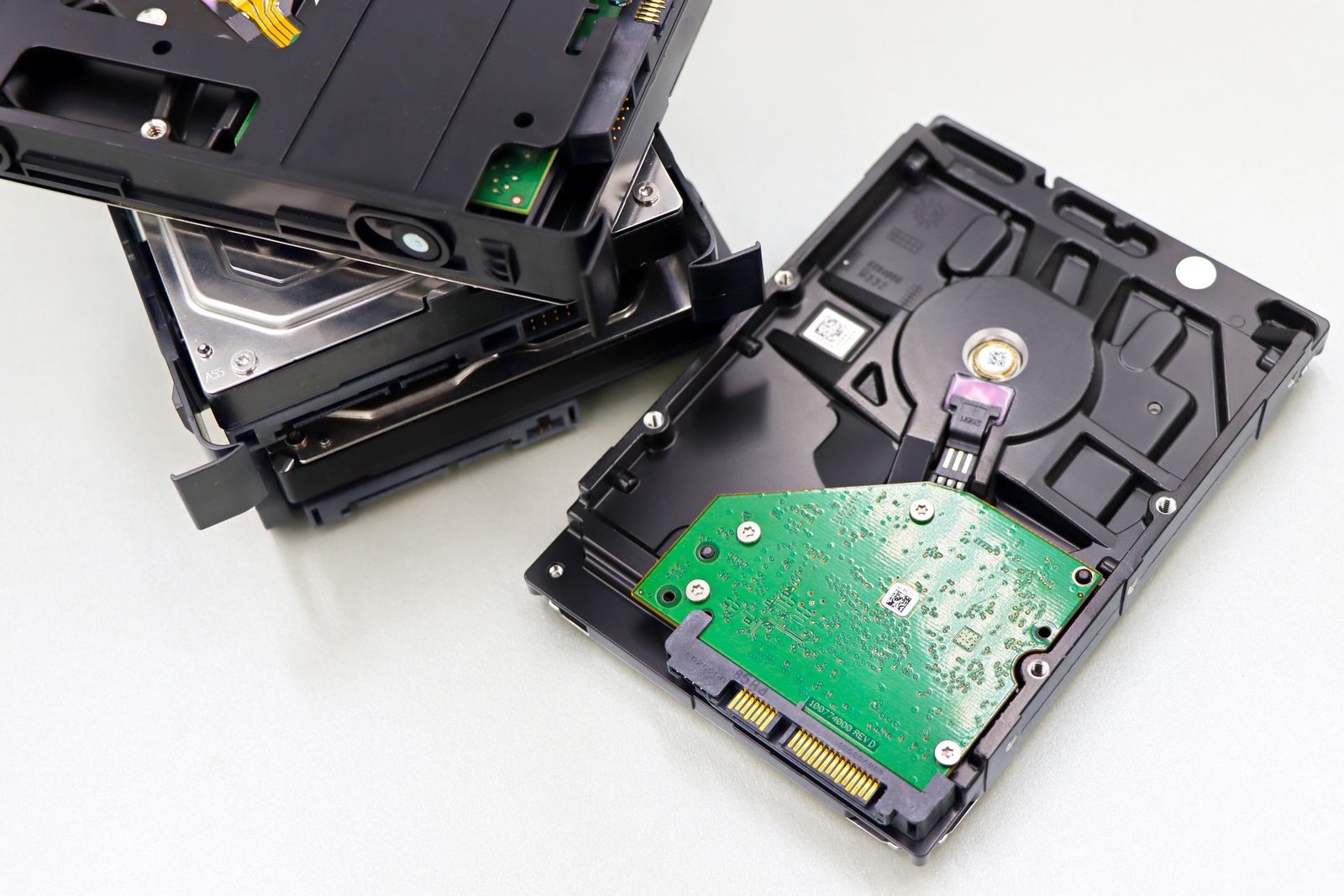
When footage is missing, the camera is rarely the cause. More often the disk was too small, recording was set to the wrong schedule, or remote access broke after a router change.
We start from how many days of footage you need to keep and how many cameras are recording, then choose the recorder and disk to match.
- Storage calculation
- Recorder installation
- Recording rules
- User accounts
- Remote viewing
- Playback and export
What we install and set up
DVR
Recorders for HD analogue cameras over coaxial cable, in 4, 8, 16 and larger channel count...
NVR
Recorders for IP cameras over network cable, often with built-in PoE ports on smaller mode...
Hybrid / XVR
Takes both HD analogue and IP cameras, so you can mix old and new on one recorder.
RAID and large storage
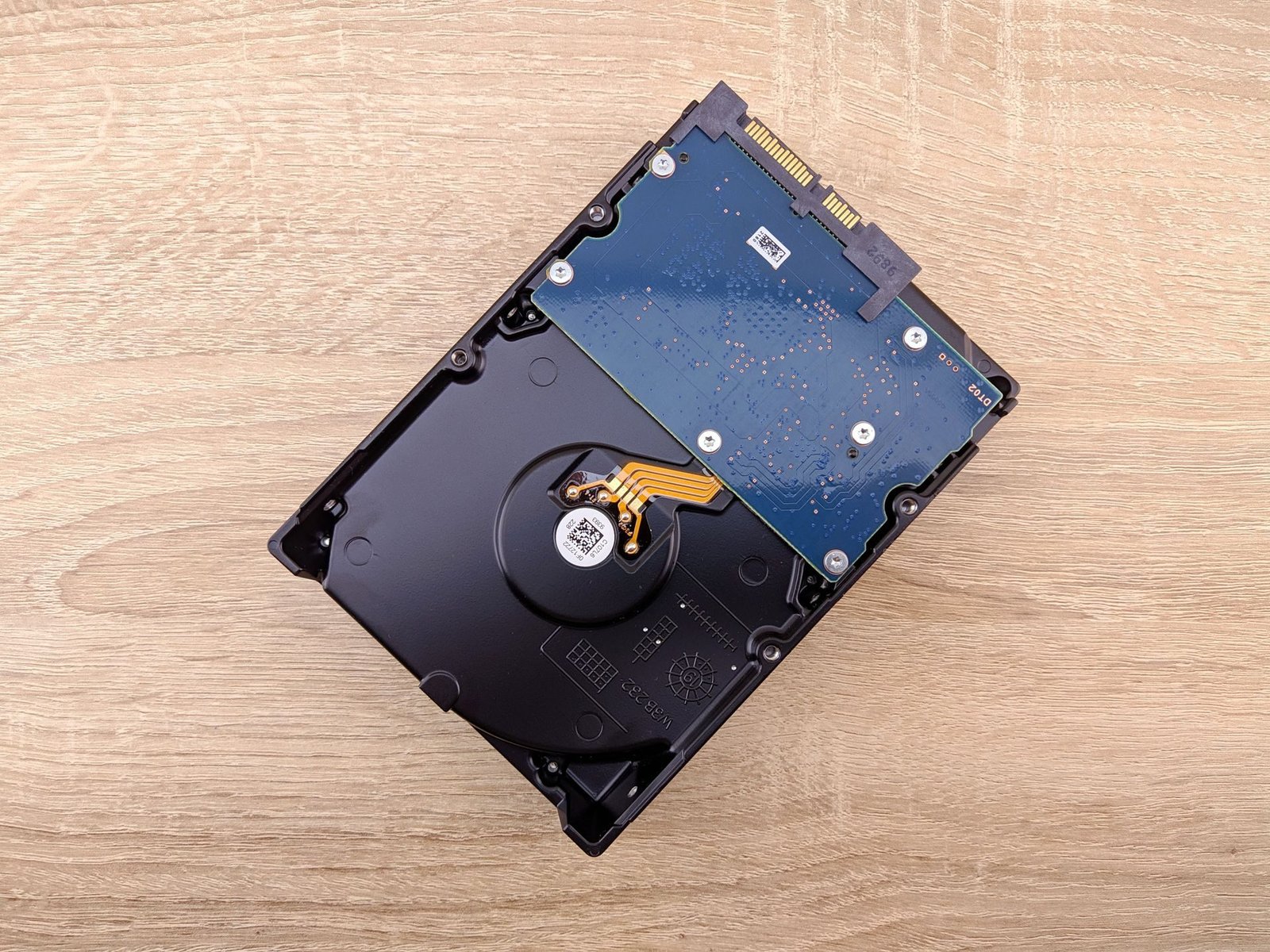
Multi-disk recorders where footage survives one disk failing, or where retention runs to w...
Recording schedules
Continuous on key cameras, motion-based on quiet ones, so the disk lasts longer.
Remote access
App and desktop viewing set up so it keeps working after a router or internet change.
DVR-to-NVR upgrade
Move to IP gradually, reusing cabling and cameras where that makes sense.
Ideal for different properties
Solutions tailored for every kind of site.



From your cameras to a recorder that keeps footage
A simple and transparent process from start to finish.
- 01 Check the cameras We note the camera type, count and resolution, and any existing recorder.
- 02 Agree the retention How many days of footage you need to keep, and which cameras matter most.
- 03 Size the recorder and disk Channel count, disk capacity and RAID if needed, set out in an itemised quote.
- 04 Install and connect Recorder mounted, cameras connected and the disk formatted.
- 05 Configure Recording rules, motion zones, user accounts and remote access set up.
- 06 Test and hand over Recording checked on every channel, playback and export shown to you.
Why choose Dotin?
Know what you are getting before you buy
- Retention worked out You are told how many days the quoted disk will hold for your cameras.
- Surveillance-grade disks Built for constant recording, not desktop drives.
- Remote access that holds up Set up and tested so a router change does not quietly cut you off.
- Whole chain checked together Camera, cable, recorder and app are one job for one team.
- Repair and AMC support Disk, firmware and recording faults handled by the same local team.
Nothing missed
Recorder brands we work with
We suggest the recorder that matches your cameras and storage needs.


The recording chain
From camera to your phone
Footage passes through four links. A weak one anywhere means gaps in the recording.
- 1 Camera Captures the video. Its resolution and frame rate decide how much storage each hour uses.
- 2 Recorder DVR, NVR or hybrid. Its channel count and supported resolution must match the cameras.
- 3 Hard disk Surveillance-grade disks sized for the days you keep. When full, the oldest footage is overwritten.
- 4 App and remote access Live view, playback and clip export on your phone or desktop, over a secured connection.
Which recorder?
Match the recorder to what you need
A quick guide. We confirm it after looking at your cameras.
Four HD cameras at a home or shop
4-channel DVR
Matches the camera count; the disk is sized from the days you want to keep.
An office moving to IP cameras
NVR with PoE ports
Cameras plug straight into the recorder for power and video.
Old HD cameras plus a few new IP ones
Hybrid / XVR recorder
Keeps working cameras and adds IP where detail matters.
A month or more of footage
Multi-disk recorder
Room for several large disks, sized for the retention you need.
Footage that must survive a disk failure
Recorder with RAID
Recording continues and nothing is lost if one disk fails.
A recorder that keeps losing days
Storage and schedule review
Often fixed by a bigger disk or smarter recording rather than a new recorder.
Want a recommendation for your system?
We look at the site and recommend — the assessment is free.
Recorder recommendation
Tell us about your cameras
Four answers are enough for us to suggest a recorder and disk size.
Related services
Often needed alongside a recorder
Local service
DVR and NVR installation across Hyderabad
We install, upgrade and service recorders across Hyderabad and Secunderabad, from our office in Toli Chowki.
Shop No 15, 2nd Floor, Mawin Arcade, 7 Tombs Rd, Beside Al Saba Hotel, Toli Chowki, Hyderabad
Frequently asked questions
DVRs and NVRs, answered
What is the difference between a DVR and an NVR?
A DVR records HD analogue cameras connected by coaxial cable. An NVR records IP cameras connected by network cable. Your cameras decide which you need; a hybrid recorder takes both.
How many days of footage will my recorder keep?
It depends on the number of cameras, their resolution, the compression and whether they record all the time or on motion. We work it out for your system, so you know the number of days before you buy the disk.
Why does my recorder only keep a few days of footage?
Usually the disk is too small for the cameras and resolution, or recording is set to continuous on every channel. Adding a disk, using motion recording on quiet cameras or better compression often fixes it.
Can I use a normal computer hard disk?
We do not recommend it. Recorders write all day, every day, and desktop drives are not built for that. Surveillance-grade disks are designed for constant recording.
My recorder is old. Do I need to replace the cameras too?
Not always. A newer DVR often works with existing HD cameras, and a hybrid recorder lets you add IP cameras gradually. We check your cameras before suggesting anything.
Can I watch the recorder on my phone?
Yes. We set up remote access and the viewing app, change the default passwords and test it from outside your network before handover.
Get the recorder right
Need a recorder that keeps the footage you need?
Tell us your cameras and how long you need to keep footage. We will suggest a recorder and disk, with an itemised quote.
- Quick response
- Expert guidance
- No obligation